
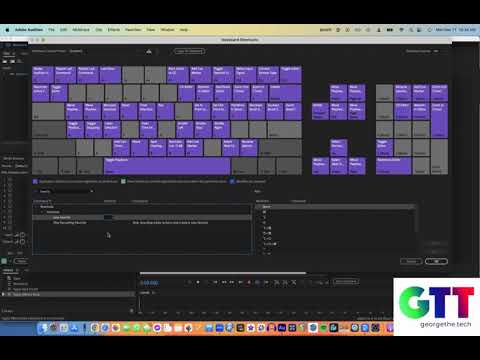
Adobe Audition Tutorial: How to Create a Keyboard Shortcut for Audio Effects
In this tutorial, George, a tech expert, provides a step-by-step guide on how to create a keyboard shortcut for your audio effects rack in Adobe Audition. He uses the ‘Favorites’ function for this purpose, and even incorporates a normalizing step to ensure the best audio outcome. George also shares a useful tip to put the new favorite on the top of the list and demonstrates the process of assigning a keyboard shortcut to favorites. He suggests caution when using this feature to avoid over-processing audio.
00:00 Introduction and Question
00:25 Creating a Favorite in Adobe Audition
00:36 Recording Actions for the Favorite
01:14 Naming and Organizing the Favorite
01:32 Mapping the Favorite to a Keyboard Shortcut
02:02 Assigning a Key to the Shortcut
02:36 Using the New Shortcut
02:57 Caution and Tips for Using the Shortcut
03:31 Conclusion and Sign Off This post originally appeared on this site.
Leave a Reply